Biblical Places, Clearly Mapped

Find Biblical Locations Near You

Whether you’re standing in Jerusalem, driving through the Galilee, or studying from home, Biblocate helps you explore biblical sites with mapped coordinates, distance from you, alternate names, and confidence notes.

Offline-friendly Nearby by place or scripture Share & directions
Biblocate App Screenshot

Why Biblocate

Built for students, pastors, and curious readers. Connect text to terrain with clarity and confidence.

Nearby modes

Browse by Locations (grouped by place) or Scriptures (each verse instance), sorted by distance.

Map-first

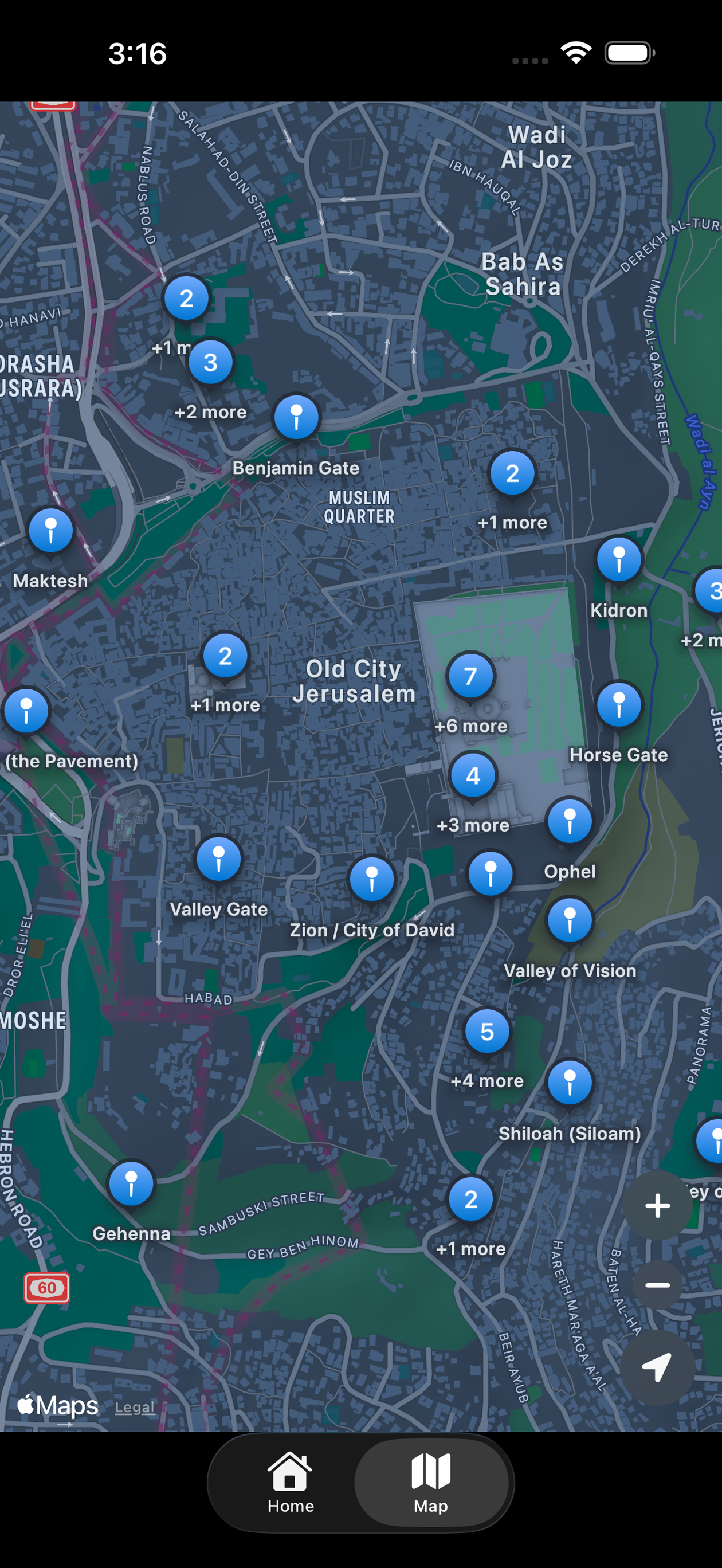
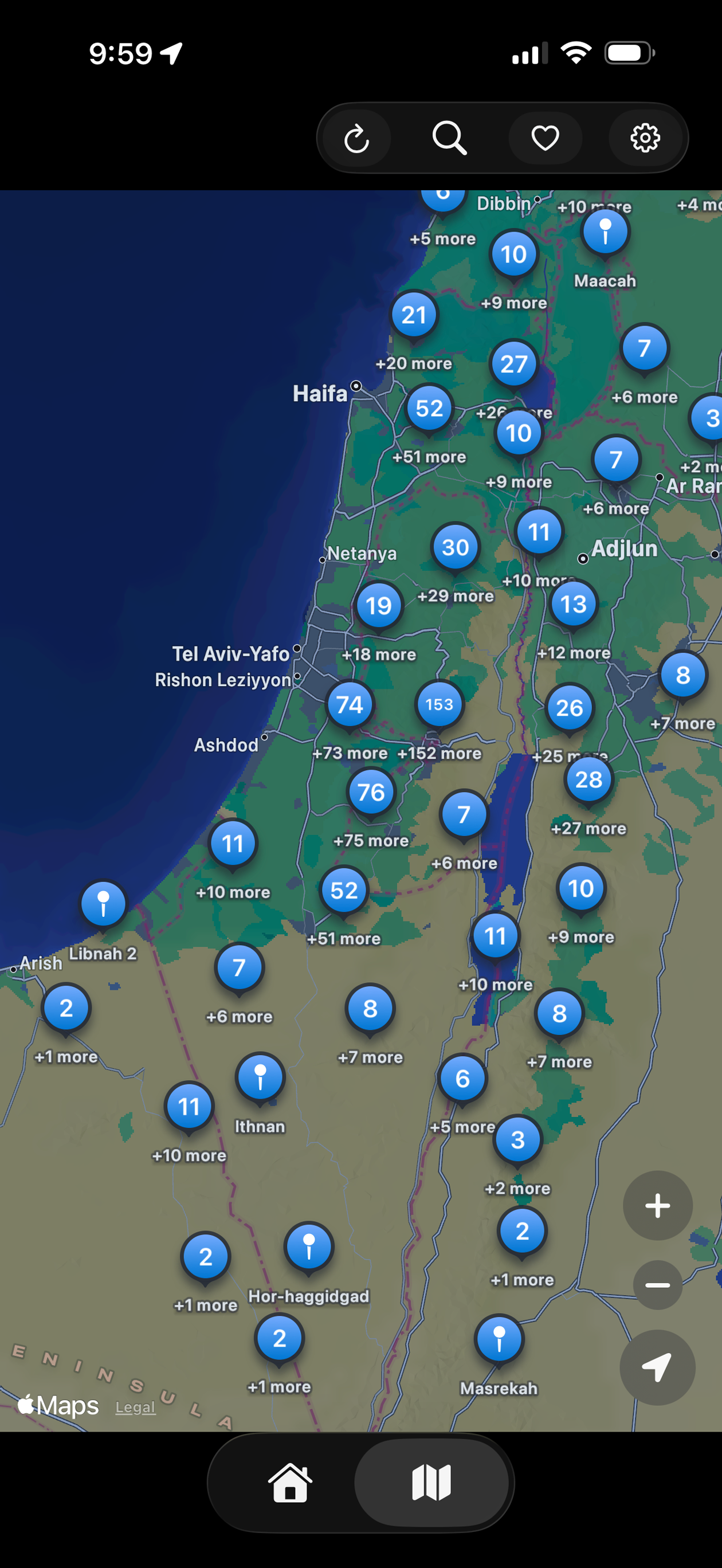
Tap pins to see passages. A clean map experience with overlapping-place selection and fast navigation.

Per-book filters

Toggle Torah-only, disable New Testament, or turn on/off specific books of the Bible.

Confidence & notes

Each location includes confidence levels (Low/Medium/High) and notes that reflect scholarly debate.

Favorites & sharing

Save places you love, share verses and locations, and get directions via Apple Maps, Google Maps, or Waze.

Offline-friendly

Data ships in the app. No account required. Works great in low-connectivity environments.

See app in action

Watch a quick walkthrough of how Biblocate helps you explore nearby biblical locations and passages.

Screenshots

Glance at the experience — a clear map, rich details, and quick navigation.

Biblocate screenshot - map view
Biblocate screenshot - list of locations
Biblocate screenshot - Temple Mount
Biblocate screenshot - filters and controls
Biblocate screenshot 5
Biblocate screenshot 6
Biblocate screenshot 7
Biblocate screenshot 8
Biblocate screenshot 9

FAQ

Where do the locations come from?
Locations are curated from datasets included in the app. Each entry includes canonical name, alternate names, coordinates, and confidence notes.
What does “confidence” mean?
“High” indicates a widely accepted location; “Medium” is a general area; “Low” reflects debate or uncertainty. Notes provide extra context.
Does it work offline?
Yes. The place data ships with the app, so you can explore without a connection (map tiles may require internet depending on your device and settings).
How do I get driving directions to a location?
From any location detail, tap directions and choose Apple Maps, Google Maps, or Waze. Biblocate hands off the coordinates to your chosen app.
Can I save favorite locations?
Yes. Tap the favorite icon on any location or verse to add it to your favorites list.
Is Biblocate free?
Yes — Biblocate is free to download.
How can I report an error or suggest a change?
Use the built-in “Report an issue” action in the app to email a correction with helpful context. Screenshots and notes are especially useful.

Download

Free on the App Store.

iPhone iPad Android interest list

Android interest

Want Biblocate on Android? Add your email and we’ll notify you if/when an Android version becomes available.

© Biblocate. All rights reserved. · Privacy Policy
Swift MapKit StoreKit
Scripture references are provided for study purposes. Locations and confidence levels reflect scholarly debate where noted.